Related posts
No items found.


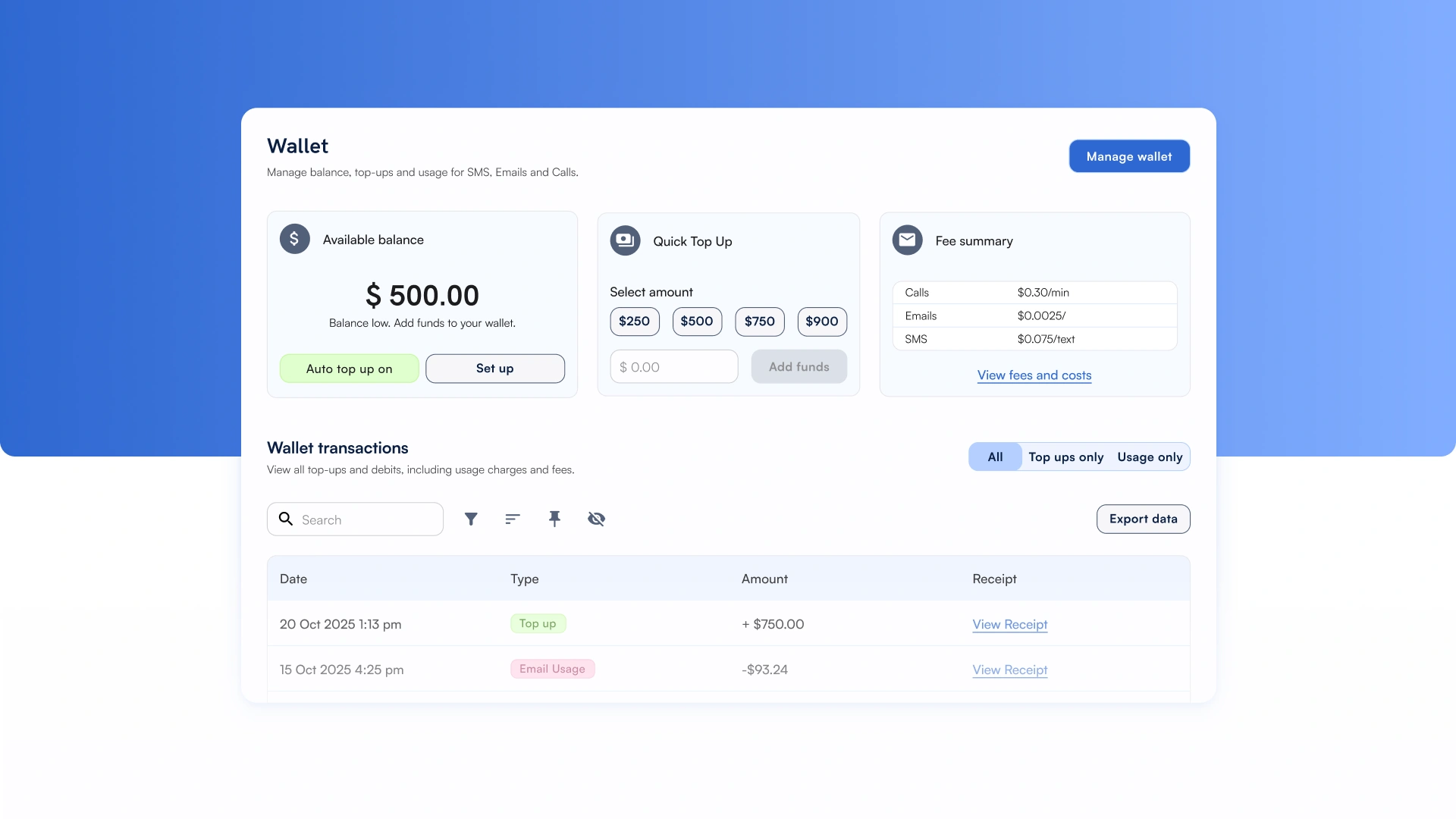
The SwiftFox Communication Wallet is live and it changes how communication costs are managed in your platform.
This is a significant improvement to how SwiftFox handles email, SMS, and VoIP costs. Instead of being billed for usage at the end of the month, you'll have a self-serve Wallet that gives you real-time visibility and control over your communication spend.
Starting 1st May, the Wallet will be the only way to pay for SwiftFox communications features.
Between now and then, you're in a transition period to give you a chance to get familiar with the Wallet before it fully takes over.
What is the Communications Wallet?
The Communication Wallet is your account's communication credit pool. Every email, SMS, or VoIP call your platform sends draws from it. It gives you visibility into your spend and keeps your communications running smoothly.
Your plan inclusions haven't changed. Your monthly allowance of emails and other communications is still covered as part of your plan, the Wallet credits are only used once those inclusions are used up. This is about giving you more control and transparency.
What you can do right now
During the transition period (now through to 1st May), you have access to:
Full top-up functionality and your monthly inclusions summary will be available from 1st May once the transition period ends.
What's changing from 1st May
From 1st May, the Communication Wallet becomes the single way to pay for all SwiftFox communications. Here's what that means:
Masterclass Communication Wallet
We're covering all of this in a SwiftFox MasterClass. Thursday at 11:30 am AEST. If you can't make it live, it'll be available to rewatch on YouTube and in the SwiftFox Academy.