Related posts
No items found.


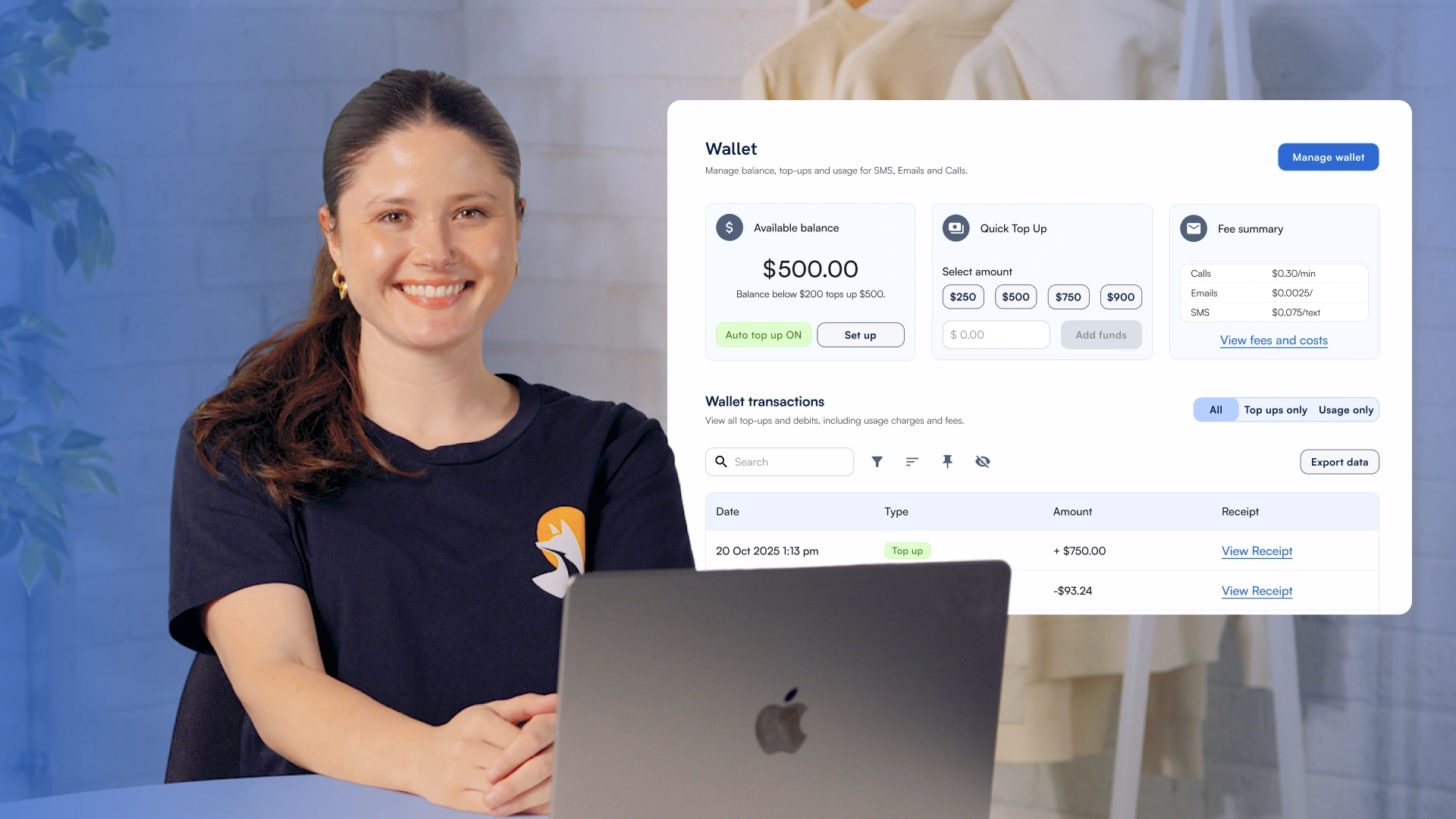
From today, the Communication Wallet is the only way to pay for SwiftFox communications above your monthly plan inclusions. Here's what that means for you — and what to do now.
Your monthly allowance of emails and other communications is still fully covered as part of your plan. The Wallet only activates once those inclusions are used up. From now on, you'll need a saved payment method and Wallet funds for any spend above your monthly allowance.
The Communication Wallet is your account's communication credit pool. Every email, SMS, or VoIP call your platform sends draws from it — giving you real-time visibility and control over your communication spend.
If your Wallet reaches zero and there's no credit limit in place, bulk campaign sending will pause until funds are added.
Individual emails, direct SMS messages, and automations will always keep running.
Watch the full Masterclass walkthrough above, or if you'd prefer a guided walkthrough, reach out to our team — we're happy to help.